
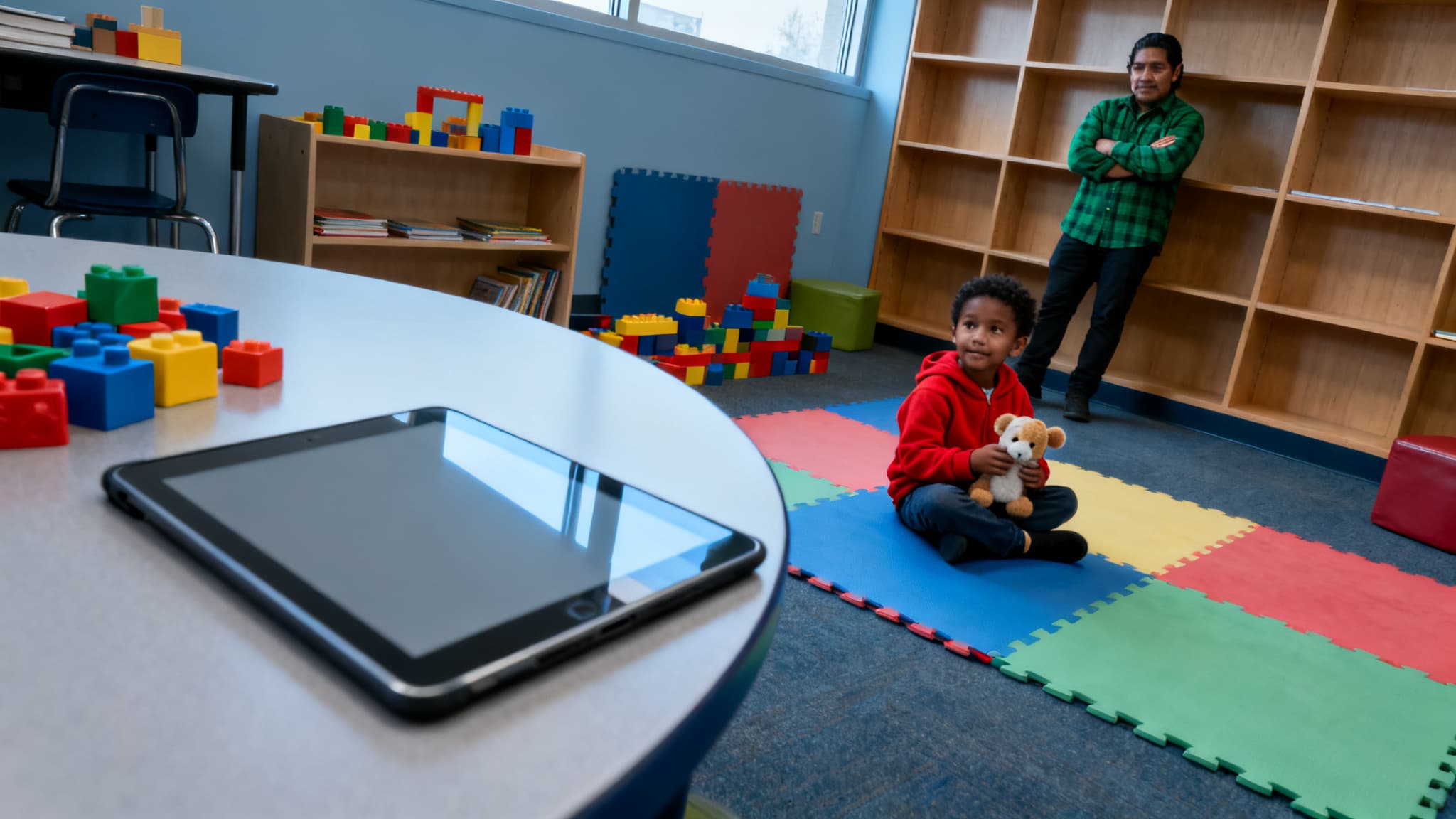
A Practical Checklist for Canadian ECEs Evaluating AI Tools
Most AI guidance treats every tool the same way, which is why evaluations stall. This checklist sorts each tool into a lane first, so Canadian ECEs can decide what to ask vendors and when AI belongs in the classroom.
Why AI Tool Evaluation Needs Two Separate Lanes: Child-Facing vs. Staff-Only Use
Most AI guidance treats every tool the same way, and that is why evaluations stall. A checklist for Canadian ECEs on evaluating AI tools before bringing them into the classroom should first sort each tool into one of two lanes: tools that touch children directly, and tools used only by staff. Lane one needs a full privacy interrogation under provincial law plus a play-displacement test. Lane two needs a lighter review focused on accuracy, accountability, and what goes into the prompt. Most centres find that a tool can be decided in 30 to 60 minutes once it is tagged correctly.
The non-obvious problem is that the riskiest data often never reaches the vendor as a file. It arrives as a sentence typed into a prompt. A staff member drafting a report and pasting "Amir, age 4, bit Lena during block play, mom is separating" has just transferred personal information to a commercial service, even though nobody uploaded a document. Lane two exists largely to catch that moment.
Tag each tool as lane one, lane two, or both before any evaluation begins. A tool that does both must pass lane one in full. Each criterion in this guide resolves to yes, no, or escalate. Escalate means pausing adoption until you have written answers from the vendor, or a supervisor or privacy advisor has reviewed the tool.
The sections that follow take lane one first, because it carries the heavier obligations, and then move to the staff-only rules for prompts and drafts.
What Counts as Children's Personal Information: Observations, Photos, Voice, and Prompts
Most ECEs assume child data means names and report cards, but in a working centre the sensitive material is often what staff write without thinking. A single line like "Amir, 4, bites when frustrated" carries a child's name, a behaviour pattern, and an age, which together identify him to anyone who knows the room. That is personal information under every regime that might apply to you, even though nobody would call it a "data file." Start with the inventory. Observation notes, anecdotal records, and developmental flags count as personal information even when they lack a surname, because a first name plus a daily note is identifiable inside your service. Photos, video, and voice recordings count too. Voice deserves a specific question: some vendor systems create voiceprints, which can be biometric, so ask directly whether any are generated or stored. Attendance records, allergy and medical details, family composition, and the language spoken at home are sensitive and warrant your strictest handling. Staff prompts are the most common leak point. A 2024 survey of Canadian early-learning educators found that few had considered what happens to text typed into a general chatbot, and most assumed drafting a note was harmless. Typing a child's name and behaviour into a third-party tool shares that information with the vendor, even when the goal was only a parent update. Confirm which law applies before you email anyone. PIPEDA covers most commercial vendors. Public or board-run centres may fall under Ontario's MFIPPA or BC's FIPPA, while private operators in Alberta and BC may fall under PIPA.Questions to Ask AI Vendors About Child Data Privacy Under Provincial Frameworks and Privacy Laws

Most vendors will tell you their product is "child-safe," and most of the time that phrase means nothing you can check. The useful question is not whether a tool is friendly to children but whether a written answer exists for where their data goes. Start there, before any demo, and treat a vague reply as information in itself.
Send these six questions as written, one per email or in a single numbered list, and file every answer.
- Data inventory: "Do you collect, store, or process any child name, image, voice recording, or observation note? List each data type." You want a written inventory. Anything omitted means escalate.
- Model training: "Is any child data used to train, fine-tune, or improve your models, including by third-party model providers?" A plain no with contract language is the only acceptable answer for lane one. A yes or an unclear reply is a no-go.
- Residency: "Where is data stored and processed, and can you commit to Canadian data residency?" Expect named locations. Quebec services should also confirm Law 25 compliance.
- Retention and deletion: "What is your retention period, and will you delete all child data, including backups, within a set number of days on our written request?" The answer should be a specific timeline in the contract.
How to Spot Tools That Replace Rather Than Support Play-Based Learning
Most ECEs assume a tool that sits on a shelf is harmless, yet the real risk often arrives quietly as a screen that a child reaches for during free play. The question is rarely whether a tool is "child-friendly"; it is whether it adds to play or quietly takes its place. Ontario's How Does Learning Happen (2014) and BC's Early Learning Framework (revised 2019) both name play, inquiry, and relationships as the core mechanisms of learning, which gives you provincial language to test every product against.
Use the five steps below during a real session, not a vendor demo. Log what you see, then decide.
Watch one full session and log who chooses
Sit with a child for the whole activity and note who picks the goal. If the tool sets the task and the child follows it, mark displacing. If the child chooses the aim and the tool responds, mark supporting.
Check whether the materials are open-ended
A tool with one correct answer and a score is a displacement risk. Blocks, sand, and loose parts pass; a quiz with a points counter does not.
Simple Criteria for Deciding When AI Use Is Appropriate for Children
Most AI tool evaluations fail before they start because the centre never agreed on what "appropriate" means. Four yes-or-no tests can settle that question for any tool that touches a child, and they take less time than the vendor demo.
Check age fit
Ask the vendor: "What is your minimum age of use, and does it cover children in our group?" If the minimum is above your age group, the answer is no. UNESCO's Guidance for Generative AI in Education and Research (2023) recommends a minimum age of 13 for direct learner use of generative AI platforms, so for preschool settings treat any direct child-facing generative tool as a firm stop unless it is purpose-built for early years and passes the remaining tests.
Confirm plain-language parent consent
Ask: "Can we send families a one-page summary of what data is collected, where it is stored, whether it trains models, and how to decline?" If parents have not been told in plain language and offered a real opt-out, the answer is no. Under PIPEDA and provincial equivalents, meaningful consent depends on the purpose being understandable to the person giving it.
Staff-Only Tasks: Using AI for Report Writing and Lesson Planning Safely

Most Canadian centres assume that a tool used only for report drafting is low-risk, yet the fastest way to leak a child's identity is a single prompt typed in a hurry. The staff-only lane carries less regulatory weight than child-facing AI, but it is where identifiable information most often slips out, because the work feels like paperwork rather than data handling.
The checklist below applies this lane. Use it for any AI tool that helps write reports, plans, or newsletters, and keep it separate from the child-facing evaluation. Under PIPEDA, a commercial vendor handling personal information needs a clear purpose, and under Ontario's MFIPPA or BC's FIPPA, a publicly funded setting may face stricter obligations. Confirm which regime applies to your centre before you start.
Replace every child's name with a neutral code
Write "Child A" or "Child B" in place of names and nicknames. Expected result: the prompt contains no name, nickname, or photo reference.
Remove all other identifiers
Strip birthdates, family names, addresses, diagnoses, and the centre's name.
Red Flags and Escalation: When to Stop, Ask Further, or Decline a Tool
A vendor that answers "yes, it's child-safe" without producing a privacy document has already told you the most important thing about its product. Most of the work in evaluating an AI tool happens before any child touches it, and the decision usually turns on a few answers you can get in writing.
Use this table to sort the outcome quickly. Each row is a condition that ends the evaluation, pauses it, or sends it upward.
| Feature / Aspect | Decline (stop now) | Ask further | Escalate |
|---|---|---|---|
| Training on child data | Uses children's data to train public models | Says training is "anonymized" without describing the method | |
| Deletion on request | Will not commit to deleting a child's records | Deletion takes an unspecified time | Retention terms conflict with your licensing records rules |
Sharing Your Decision With Parents and Documenting It
Most centres assume the hard part of AI documentation is the tool itself. In practice, the hard part is the record you keep afterward, because that file is what lets you answer a parent's question six months later with evidence instead of memory. A short, dated decision log protects children, staff, and the centre at once.
Under the practical checklist for Canadian ECEs on evaluating AI tools before bringing them into the classroom, every tool should carry a written record that shows which lane it was assessed in and why it was approved, limited, or declined.
Quick Reference: What Your File Must Hold
Lane one (touches children directly) or lane two (staff-only). Record it first.
The vendor's written replies to your privacy script, dated and saved as received.
What you saw during a supervised trial: child-led choice, peer negotiation, adult role.
Yes, no, or escalate for each criterion, plus the final decision.
Frequently Asked Questions
What should I ask an AI vendor about child data privacy before using their tool in a Canadian daycare?
Ask where child data is stored, whether it leaves Canada, and who can access it, including the vendor's subprocessors. Request written confirmation that personal information is not used to train models or sold for advertising. Confirm how long data is retained, how parents can access or request deletion of records, and what happens to data if you cancel. Ask whether the vendor has a privacy impact assessment and a breach notification process. Check that the tool's terms align with your provincial early learning framework, your regulator's requirements, and the privacy legislation that applies to your setting, such as PIPEDA for private organizations or provincial public-sector laws in Ontario and BC.
How do I tell if an AI learning app is replacing play instead of supporting it in early childhood classrooms?
Watch whether the app sets the goal, pace, and outcome, or whether children choose and shape the activity. Replacement tends to show up as screen-based tasks that substitute for block building, dramatic play, sand, or outdoor exploration, and as children waiting for a turn or a correct answer. Support looks like a tool that extends a child's own investigation, such as photographing a shadow or recording a conversation for later discussion, with the educator guiding follow-up. Check the time allocation against your program's screen-time guidance, and ask whether children would still have the same experience if the device were turned off.
Is it okay for ECEs to use AI with children, or should it only be used for staff tasks?
Use with children is a judgment call that depends on the tool, the age group, and how closely an educator is involved. Staff-facing uses such as drafting plans, adapting materials, or summarizing policy documents carry fewer developmental and privacy risks because no child data or direct child interaction is involved. For children, favour tools that are educator-led, brief, open-ended, and do not collect identifiable data. Avoid chatbots or conversational tools designed to talk with young children, since they cannot read social cues, and AI-generated images or voices should never be presented to children as real people or real events.
Can AI tools be used to write child observation reports without breaking privacy rules in Ontario or BC?
Usually not with a general consumer AI tool, because entering a child's name, behaviour details, or family information sends personal information to a third party. If you use an AI tool, it should be one your organization has approved in writing, with a data processing agreement, Canadian data residency where feasible, and no training on your inputs. Remove or replace identifiers before any text goes into the tool, and keep final judgment and wording with the educator. Confirm with your employer, your regulator (the College of Early Childhood Educators in Ontario or the ECE registry in BC), and the applicable privacy office, since requirements vary by setting.
Why do early childhood educators in Canada need to check AI tools for privacy before classroom use?
Young children cannot consent to data collection, and their records can follow them for years, so the stakes of a privacy failure are high. Many AI products are built for general markets and may retain inputs, use them to improve models, or route data through servers outside Canada. Educators are often the ones who must answer to families and regulators when something goes wrong, even if the vendor controls the system. Checking privacy before adoption protects children, supports trust with families, and keeps the program aligned with provincial early learning frameworks and privacy law.
Frequently Asked Questions
What should I ask an AI vendor about child data privacy before using their tool in a Canadian daycare?
How do I tell if an AI learning app is replacing play instead of supporting it in early childhood classrooms?
Is it okay for ECEs to use AI with children, or should it only be used for staff tasks?
Can AI tools be used to write child observation reports without breaking privacy rules in Ontario or BC?
Why do early childhood educators in Canada need to check AI tools for privacy before classroom use?
Keep reading
All articles →
Human-Centred AI in Daycare: One Day, Rules, Sample Policy
Human-centred AI in an early learning centre is a working rule: software can assist, but a named educator decides every choice about a child. This guide shows how that plays out day to day, from reviewing automated reports to writing a short family-friendly policy.
Putting Children First: A Parent's Guide to Human-Centred AI in Canadian ECE
The true irony of "putting children first" in ECE isn't protecting children from AI, but ensuring they aren't passive data points. This involves designing AI tools that prioritize a child's holistic development, well-being, and safety in the unique Canadian context.

Beyond the Hype: 7 Essential Questions for Canadian ECEs Adopting AI Tools
AI tools promise big shifts in ECE, but Canadian educators face a challenge: discerning which truly support child development versus being digital distractions. The market is overwhelming, making it hard to find solutions aligning with Canadian values and privacy laws.